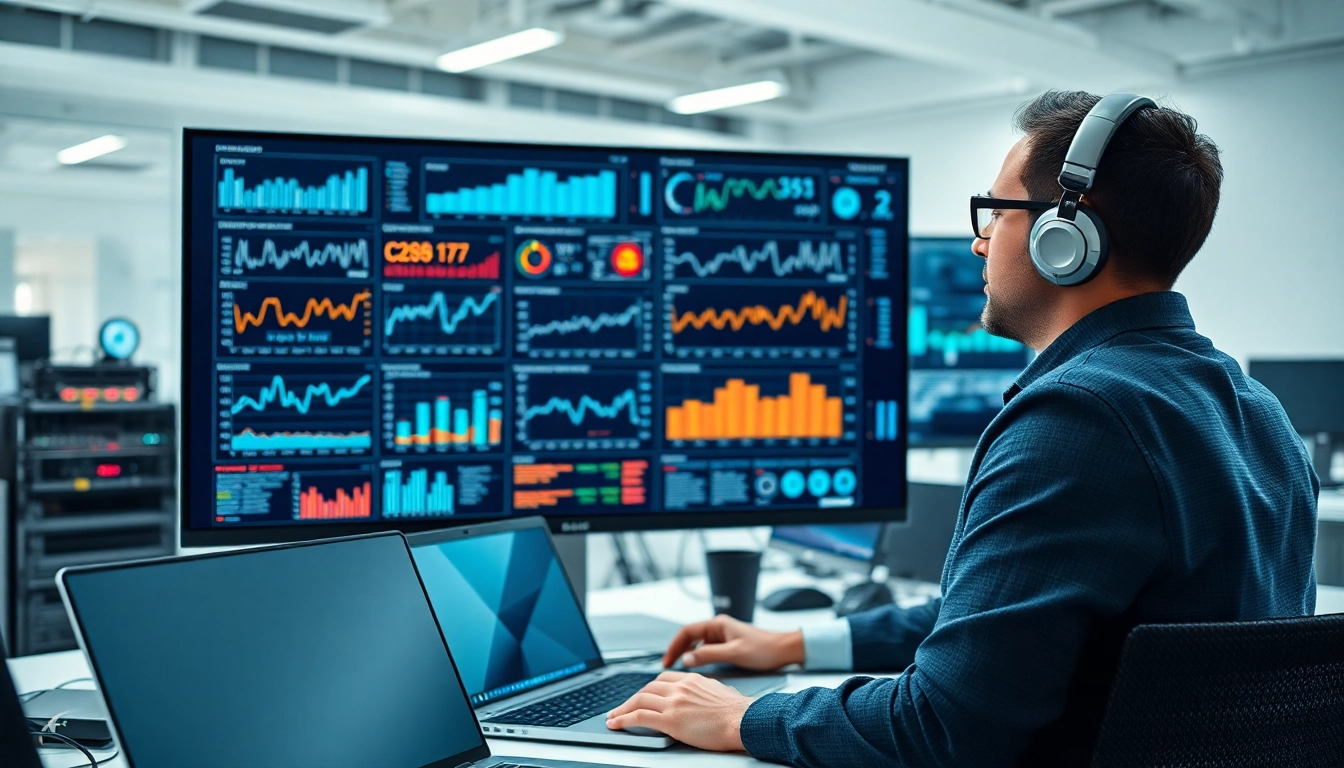
Understanding Remote Monitoring and Management (RMM)
In today's fast-paced technological landscape, organizations are increasingly reliant on effective IT management solutions. One such solution is Remote Monitoring and Management (RMM), a set of tools designed to help businesses monitor and manage their IT infrastructure remotely. This technology enables IT personnel to oversee systems, troubleshoot issues, and maintain optimal performance without being physically present. As we delve deeper into this subject, we will explore the definition, purpose, key components, and the benefits of implementing RMM solutions.
Definition and Purpose of Remote Monitoring and Management (RMM)
Remote Monitoring and Management (RMM) software allows IT teams to observe, manage, and control a variety of devices and applications across a network, regardless of their physical location. RMM tools play a crucial role in maintaining the health of systems, improving response times to issues, and ensuring that security protocols are followed. By leveraging RMM, organizations can reduce downtime, streamline operations, save costs, and ultimately improve their service delivery to end-users.
Key Components of Remote Monitoring and Management (RMM)
RMM encompasses several essential components that work in unison to ensure effective management of IT systems:
- Endpoint Management: This component monitors and manages servers, desktops, laptops, and mobile devices to ensure they are running efficiently and securely.
- Network Monitoring: RMM tools provide insights into network performance, capacity, and security by monitoring traffic patterns and identifying potential bottlenecks.
- Patch Management: Ensures that all software is updated and vulnerabilities are patched promptly, reducing the risk of exploits and security breaches.
- Backup Solutions: RMM solutions often include backup and disaster recovery plans, providing data resilience in case of failures.
- Reporting and Alerting: RMM solutions generate reports and provide alerts about system performance, enabling quicker responses to potential issues.
Benefits of Implementing Remote Monitoring and Management (RMM)
The integration of Remote Monitoring and Management into IT operations brings a multitude of benefits:
- Proactive Issue Resolution: By monitoring systems continuously, IT teams can identify and rectify issues before they escalate into significant problems, minimizing downtime.
- Improved Satisfaction: RMM enables organizations to deliver faster and more reliable services to end-users, increasing overall satisfaction.
- Cost Reduction: By automating routine tasks and enabling remote management, organizations can reduce costs associated with physical resource allocation.
- Enhanced Security: RMM tools enhance security by allowing for real-time monitoring of threats and vulnerabilities.
- Scalability: RMM adapts to the changing needs of businesses, allowing for easier scaling of IT resources as organizations grow.
Core Features of Effective Remote Monitoring and Management (RMM) Solutions
Real-Time Monitoring and Alerting for Remote Monitoring and Management (RMM)
One of the standout features of RMM solutions is their ability to monitor systems and networks in real time. This feature enables IT administrators to receive notifications for any abnormalities or performance issues, helping them to take immediate action. Real-time monitoring tools typically include:
- System Performance Metrics: Metrics such as CPU usage, memory utilization, and disk space that provide insights into the health of endpoints.
- Network Performance Insights: Monitoring network uptime, bandwidth usage, and latency to ensure optimal connectivity.
- Device Health Monitoring: Keeping tabs on the life cycles of hardware components, ensuring timely upgrades, and replacements.
Automated Maintenance with Remote Monitoring and Management (RMM)
Automation is a cornerstone of effective RMM solutions, simplifying maintenance tasks that would otherwise be time-consuming. Automated features may include:
- Scheduled Patching: Automatically applying updates and patches to software and hardware, ensuring systems are secure and efficient.
- Routine Performance Checks: Automated scripts run checks on systems to ensure they are operating within optimal parameters.
- Incident Response Automation: The ability to automatically respond to specific issues based on predefined rules, further reducing response time.
Reporting and Analytics in Remote Monitoring and Management (RMM)
In an increasingly data-driven world, the ability to derive insights from IT operations is crucial. RMM solutions provide robust analytics and reporting features that allow organizations to:
- Analyze Historical Data: Evaluate system performance over time to identify trends and improve resource allocation.
- Generate Compliance Reports: Create reports that demonstrate compliance with industry regulations and standards.
- Measure KPIs: Track Key Performance Indicators that measure the efficiency and effectiveness of IT operations.
Challenges in Implementing Remote Monitoring and Management (RMM)
Common Obstacles to Successful Remote Monitoring and Management (RMM)
While the benefits of RMM are significant, organizations may face several challenges during implementation:
- Integration Complexity: Integrating RMM solutions with existing IT infrastructure can be complex and may require significant time and resources.
- Staff Resistance: Team members may resist adopting new technologies, fearing that automation will eliminate jobs or redefine their roles.
- Resource Allocation: Initial investment for RMM tools and resources may strain budgets, especially for small to medium-sized enterprises.
Security Concerns with Remote Monitoring and Management (RMM)
Security is a primary concern when deploying Remote Monitoring and Management solutions. Organizations need to be aware of:
- Data Privacy Risks: Monitoring systems often involves extensive data collection, and organizations must ensure they protect sensitive information appropriately.
- Unauthorized Access: RMM systems can be vulnerable to hacking if not secured properly, potentially exposing networks to threats.
- Compliance Issues: Organizations must adhere to industry regulations regarding data collection and management, requiring robust compliance frameworks.
Integration Issues with Remote Monitoring and Management (RMM)
The integration of RMM solutions with existing systems can present challenges. Addressing them requires:
- Compatibility Verification: Before integrating RMM solutions, organizations should assess compatibility with existing hardware and software.
- Testing Processes: Implementing a testing phase for RMM solutions can help identify potential integration issues before full deployment.
- Employee Training: Ensuring that staff understands how to utilize both legacy and new systems can ease the transition.
Best Practices for Using Remote Monitoring and Management (RMM)
Setting Up an Effective Remote Monitoring and Management (RMM) Framework
To maximize the benefits of RMM, organizations should consider a structured approach in setting up their framework:
- Define Clear Objectives: Establish specific goals for RMM that align with the organization’s IT strategy.
- Select Appropriate Tools: Choose RMM solutions that cater to the unique needs of the organization and provide scalability and flexibility.
- Develop a Solid Implementation Plan: Outline steps for deployment, including timelines, resource allocations, and key milestones.
Maintaining Compliance with Remote Monitoring and Management (RMM)
Compliance is vital in many industries, and organizations must ensure that they adhere to relevant regulations while using RMM solutions. Best practices include:
- Regular Audits: Conduct periodic audits to ensure that all systems and procedures meet compliance standards.
- Documentation: Maintain detailed documentation of monitoring practices and data management procedures to facilitate compliance reviews.
- Continuous Training: Offer ongoing training for staff about compliance requirements and data protection protocols.
Training Staff on Remote Monitoring and Management (RMM) Tools
For RMM to be effective, staff must be well-versed in how to use these tools. Therefore, training should encompass:
- Hands-On Learning: Providing practical sessions to familiarize staff with the RMM system will promote confidence and competence.
- Ongoing Education: As RMM tools evolve, continual learning opportunities should be available to ensure staff keeps abreast of updates and new features.
- Access to Resources: Offering access to online resources, documentation, and support channels can empower staff to resolve issues independently.
Evaluating the Success of Remote Monitoring and Management (RMM)
Key Performance Indicators for Remote Monitoring and Management (RMM)
Measuring the effectiveness of RMM solutions requires well-defined Key Performance Indicators (KPIs). Some crucial KPIs include:
- Incident Response Time: Measuring how quickly IT teams can resolve incidents or respond to alerts can offer insight into system efficiency.
- System Uptime: Tracking the percentage of time systems are operational assists in assessing overall system reliability.
- Patch Management Success Rate: Monitoring the percentage of successfully applied patches can highlight the effectiveness of maintenance measures.
Feedback Loops and Continuous Improvement in Remote Monitoring and Management (RMM)
To ensure RMM solutions remain effective over time, organizations should implement a continuous improvement approach:
- Regular Feedback Sessions: Establish systems for gathering feedback from team members to identify areas for improvement in RMM utilization.
- Performance Reviews: Leverage performance data to assess the overall effectiveness of RMM strategies and make informed adjustments.
- Test New Features: Assess new capabilities and updates within RMM solutions to ensure they align with the organization’s evolving needs.
Assessing ROI on Remote Monitoring and Management (RMM)
Calculating the return on investment (ROI) from RMM solutions requires a comprehensive understanding of measurable impacts. Key considerations include:
- Cost Savings from Reduced Downtime: Evaluate financial savings achieved through minimized downtime as a result of proactive issue remediation.
- Decreased Operational Costs: Measure the reductions in resources required for IT management through automation and remote capabilities.
- Increased Productivity: Assess the improvement in productivity due to efficient IT operations allowing staff to focus on strategic projects rather than routine maintenance.